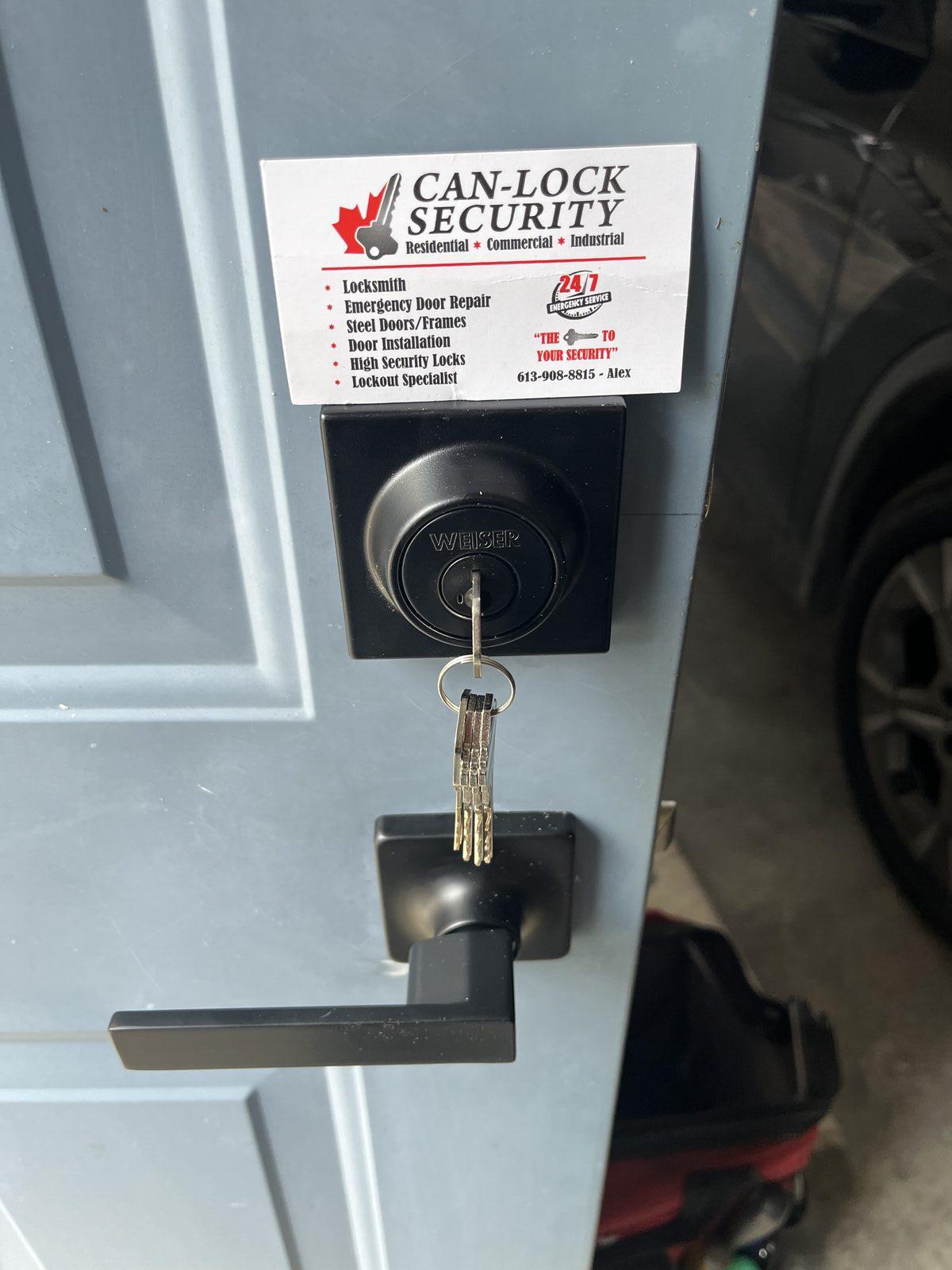
Walk into any hardware store's smart lock aisle, or scroll through options online, and you'll find dozens of models each claiming to be the smartest, most secure, most convenient option available. Most of that marketing language doesn't actually help you make a decision. Here's what genuinely differentiates one smart lock from another, and what's mostly noise.
Connectivity Method: The Decision That Shapes Everything Else
Every smart lock falls into roughly one of three connectivity categories, and this choice affects nearly everything else about how the lock actually functions day to day.
Standalone keypad locks operate entirely on their own — no app, no internet, no phone dependency. You punch in a code, the door opens. These are the most reliable in the sense that nothing outside the lock itself can cause it to fail, but you also lose remote features entirely. No unlocking from your phone while you're not home, no seeing an access log unless you're standing at the door.
Bluetooth-connected locks talk directly to your phone when you're nearby, allowing app-based unlocking without needing a home internet connection or a separate hub. The tradeoff is that remote access — unlocking the door while you're actually away from home — usually isn't possible without an additional bridge device.
Wi-Fi or hub-connected locks offer genuine remote access from anywhere, since the lock communicates through your home network or a dedicated hub rather than relying on your phone being physically nearby. This is the most feature-rich option, but it also introduces the most points of potential failure — your internet needs to be working, the lock's connection needs to be stable, and there's often an ongoing subscription involved for full remote features.
Battery Life and Backup Power: Read the Fine Print
Manufacturer battery life claims vary enormously in how realistic they are, and how a lock handles a dead battery matters more than the stated battery life itself. Nearly every legitimate smart lock includes either a physical key override, an external battery contact point for emergency power, or both. Before buying, confirm specifically what happens when the battery dies — some locks fail locked, others fail unlocked, and that distinction genuinely matters for your specific situation.
Physical Key Override: Don't Assume, Confirm
Most smart locks retain the ability to use a traditional physical key as backup, but a small number of models are entirely keyless, meaning a dead battery or app failure with no working backup power source leaves you genuinely locked out. If having a physical key backup matters to you, and for most households it should, confirm this explicitly rather than assuming every model includes it.
Code Management: How Many People Actually Need Access?
If you're managing access for a household, a rental property, or a small business, look closely at how many individual codes or credentials a specific model actually supports, and whether those codes can be scheduled, time-limited, or tracked individually. A lock that supports only a handful of shared codes is a very different product from one that supports dozens of individually managed, trackable credentials, even if both are marketed as "smart locks."
Compatibility With Your Actual Door
This is the factor most comparison guides skip entirely, and it's arguably the most important. A smart lock's backset, bore diameter, and strike plate compatibility all need to match your specific door, and not every model fits every door without adjustment. A lock that looks perfect in an online comparison can be a poor physical fit for your actual home, which is why professional installation typically includes a compatibility check before any purchase is finalized.
Integration With Existing Smart Home Systems
If you already have a specific voice assistant, smart home hub, or security system, check compatibility directly rather than assuming "smart lock" automatically means it'll work with what you have. Integration standards vary, and a lock that's fully smart on its own can still operate as an isolated, disconnected device within a broader smart home setup if compatibility isn't confirmed first.
Subscription Costs: The Detail Often Buried in Fine Print
Some smart locks require an ongoing subscription for full remote functionality, cloud storage of access logs, or advanced features, while others include everything in the upfront hardware cost. This can meaningfully change the real cost of ownership over a few years, and it's worth checking before comparing prices purely on the sticker cost.
What Actually Matters Versus What's Marketing
Fingerprint recognition, voice control, and elaborate app dashboards get a lot of marketing attention, but for most households, the decisions that actually affect daily satisfaction are simpler: does it fit your door, does it reliably work when you need it to, and does it manage access the way you actually need it managed. A feature-heavy lock that's a poor fit for your door is a worse choice than a simpler lock that's genuinely compatible and reliable.
The Honest Bottom Line
There's no single smart lock that's right for everyone, and the "best" one on any review site is really only the best for whatever household or business that reviewer had in mind. The right approach is figuring out what you're actually trying to accomplish — simple convenience, remote property management, tracked access for multiple users — before comparing specific models, rather than starting with a list of features and working backward.
If you're weighing a smart lock for your home, our Smart Lock Installation page covers how we assess compatibility and match a system to what you're actually trying to solve.